Scrolling by VOICE.
You speak and the text moves with you. Promter senses when you're talking and advances the script at your pace, word by word. No speech recognition, no audio leaving your device.
Real formatting, and the time on screen is yours
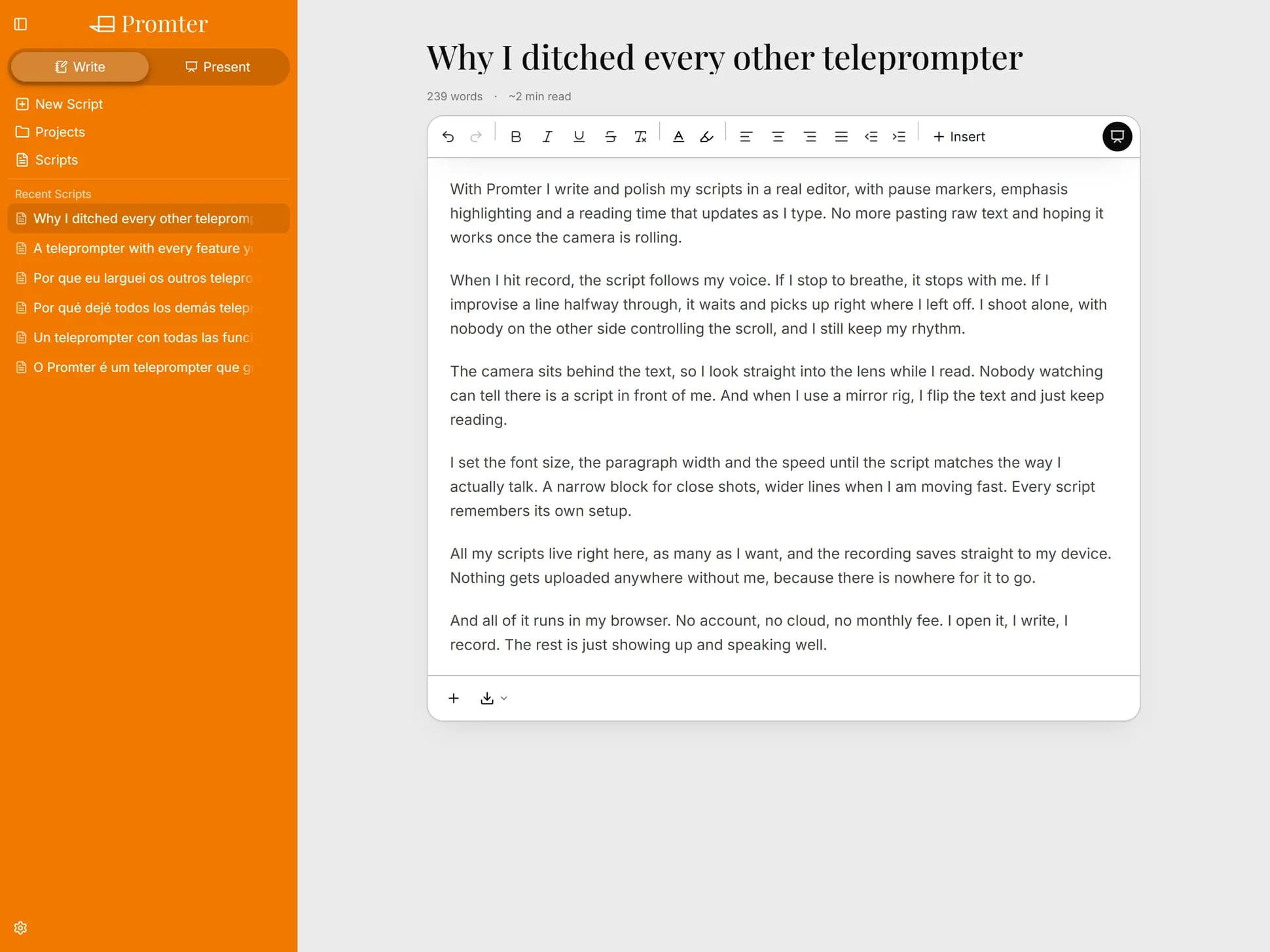
You write with proper formatting, the text saves itself on every keystroke, and the estimated reading time is calculated from your speaking speed. Not from a generic average that has nothing to do with you.
Every editor shows "reading time". Almost none of them use the speed of the person who's going to read it.
Once you've calibrated, the count on your script becomes a useful prediction: if it says 6 minutes, the video will run about 6 minutes. That changes how you write for a target duration.
Bold, italic, underline, strikethrough, text color, multicolor highlight, alignment, indentation, lists, blockquotes and links. Autosave on every keystroke and every title change. There's no save button because there doesn't need to be.
You can start by typing straight on the home screen: whatever you write there becomes a script on its own, with no "create new" step.
Projects group related scripts, and a global list shows everything at once. One menu handles pin, rename, move, archive or delete, with search to find the destination project.
Archiving a project archives its scripts, and archived items go read-only until you restore them. Pinned scripts and the 8 most recent sit one click away in the sidebar.
Export as .txt, Markdown, a paginated PDF cue sheet, or a QR code. Import from .txt, .md, .json and QR.
What you write here is yours and leaves here whenever you want.
It isn't a word processor. No tables, no images, no footnotes, no version control. It's an editor built for spoken scripts, and it stops at that scope on purpose.
You speak and the text moves with you. Promter senses when you're talking and advances the script at your pace, word by word. No speech recognition, no audio leaving your device.
Point one device's camera at the other's screen and the script crosses over. No cable, no cloud, no account, no attachment. Send one script, just your settings, or the entire backup.
Turn off the wi-fi. It keeps working. Your scripts stay on your device, there's no account, and nothing you write ever leaves.
Open your camera inside the app. Record video up to 4K at 60 frames per second without looking away from the screen, without stepping out of frame.
And the camera operator, the director and the entire crew.
Which is why: a keyboard shortcut for every function, a Bluetooth clicker that works with zero setup, and a screen that won't go dark mid-read.
Horizontal and vertical mirroring, independent, so the reflection lands readable on the glass. Set it once and it remembers.
Promter runs entirely on your device. No server holding your scripts, no database with your account, no speech recognition API billing by the minute, no AI model billing by the request.
Mac, PC, Android, iOS, Linux. All you need is an up-to-date browser. No app store, no installer, no waiting on a download.
So I put together this FAQ to set your mind at ease.
No. It saves itself, every keystroke.
You can, as a paginated cue sheet.
It does. Bold, highlight and color all show up while you present.